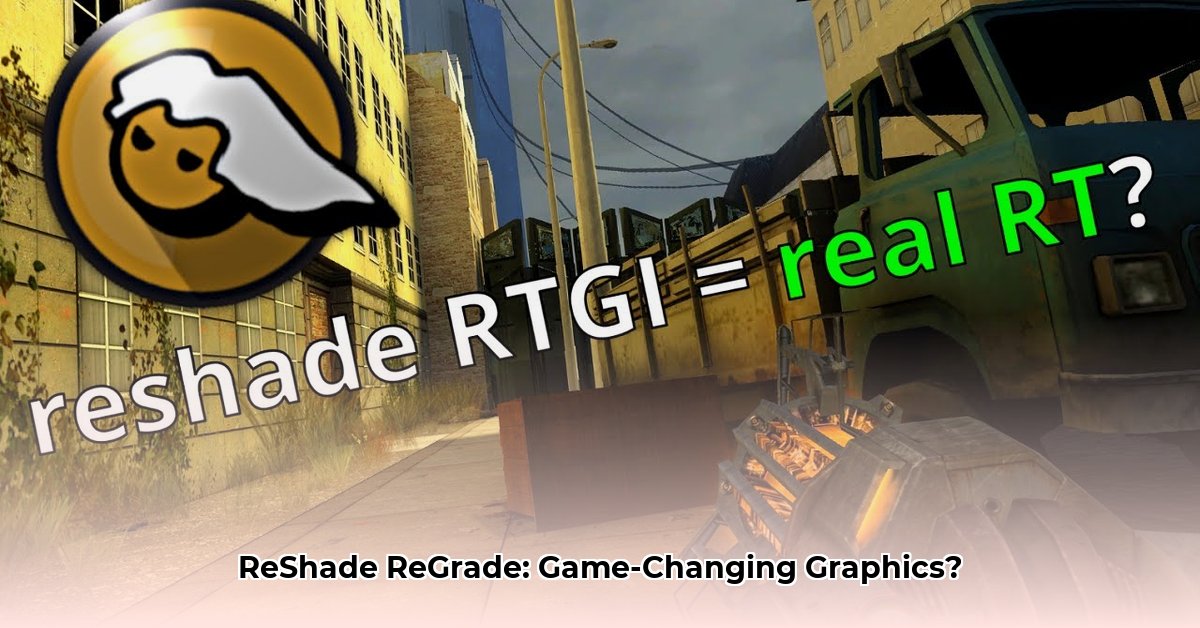
Want to transform your gaming visuals? ReShade and ReGrade offer powerful image enhancement, but which tool best suits your needs? This guide compares their features, performance, and ease of use, empowering you to choose the perfect visual upgrade.
ReShade: Unleashing the Power of Customizable Graphics
ReShade is an open-source post-processing injector (a program that adds visual effects to games) renowned for its extensive customization. It acts as a modular toolkit, allowing you to combine numerous shaders (individual programs that modify image data) to achieve a vast array of visual styles. From subtle color adjustments to dramatic lighting overhauls, ReShade's flexibility is unparalleled. Its large, active community constantly develops and shares new shaders, expanding its capabilities.
ReShade Advantages:
- Limitless Customization: Mix and match shaders for unique visual experiences. Don't just enhance; create.
- Massive Shader Library: Access thousands of pre-built shaders, catering to diverse tastes and preferences.
- Open-Source and Free: Benefit from continuous community development and improvements at no cost.
ReShade Challenges:
- Steeper Learning Curve: Mastering ReShade requires understanding shader management and potential performance implications.
- Performance Impact: Complex shader combinations can decrease frame rates, especially on less powerful systems. Is the visual boost worth the potential performance hit?
- Shader Management: Keeping track of numerous shaders and their settings demands organization.
ReGrade: Effortless Color Grading for Cinematic Results
Unlike ReShade's modular approach, ReGrade employs a streamlined, single-shader solution focused exclusively on color grading and correction. This concentrated design prioritizes ease of use and performance. Think of it as a professional-grade color editor tailored for games, providing a polished, cinematic look without the complexity of managing multiple shaders.
ReGrade Advantages:
- Simplified Workflow: Intuitively enhance your game's colors with minimal effort and configuration.
- Optimal Performance: Its single shader results in minimal performance overhead – a significant advantage for less powerful systems or streamers who need high frame rates.
- User-Friendly Interface: Even beginners can quickly master ReGrade's straightforward controls.
ReGrade Limitations:
- Limited Customization: Primarily focuses on color correction, offering fewer effects than ReShade's vast library.
- Smaller Community: While growing, ReGrade's community support is smaller than ReShade's extensive network.
ReShade vs. ReGrade: A Head-to-Head Comparison
The following table summarizes the key differences between ReShade and ReGrade, facilitating informed decision-making:
| Feature | ReShade | ReGrade |
|---|---|---|
| Primary Function | Diverse Post-Processing Effects | Color Correction and Grading |
| Approach | Modular (Multiple Shaders) | Monolithic (Single Shader) |
| Customization | Extremely High | Primarily Color-Focused |
| Performance | Variable (Potentially High Impact) | Minimal Impact |
| Ease of Use | Steeper Learning Curve | Very User-Friendly |
| Community | Extensive | Smaller, but growing |
Choosing the Right Tool: ReShade, ReGrade, or Both?
The optimal choice hinges on your technical expertise and desired level of control:
Casual Gamers: ReGrade's user-friendly interface and minimal performance impact make it a perfect starting point. Enjoy enhanced visuals without the complexity.
Advanced Modders: ReShade's extensive customization allows for intricate visual transformations, but requires a greater commitment to learning and managing shaders.
Streamers: ReGrade's minimal performance impact ensures consistently smooth streaming without sacrificing visual quality.
Enthusiasts: Consider using both! Combine ReGrade's color enhancements with ReShade's additional effects for truly spectacular visuals.
Installation and Usage Overview
Both ReShade and ReGrade installations generally involve downloading the respective installer and running it, selecting target games. Refer to the official websites (ReShade, ReGrade) for detailed, up-to-date instructions. Always download from trusted sources to avoid potential malware. Remember to back up your save files before implementing modifications!
Conclusion: Enhancing Your Gaming Experience
ReShade and ReGrade each offer unique advantages. ReShade empowers advanced users with limitless customization, while ReGrade provides a simpler, high-performance solution for color enhancement. Select the tool aligning with your skills and preferences to unlock stunning visual improvements in your favorite games.
⭐⭐⭐⭐☆ (4.8)
Download via Link 1
Download via Link 2
Last updated: Tuesday, April 29, 2025